Project Overview
TChat is a modern task management application designed specifically for the iOS platform, developed natively in Swift and leveraging SwiftUI's declarative UI framework to provide a smooth and intuitive user experience.
The core goal of this project is to create a powerful yet simple-to-use task management tool that helps users effectively plan daily work, track project progress, and boost personal productivity. Through carefully designed user interface and comprehensive data synchronization mechanisms, TChat successfully combines aesthetics with practicality.
Client: TChat Team
Duration: 3 months
Role: Full-stack Development & UI/UX Design
Status: Live | App Store Rating 4.8/5.0
Core Features
Smart Task Management
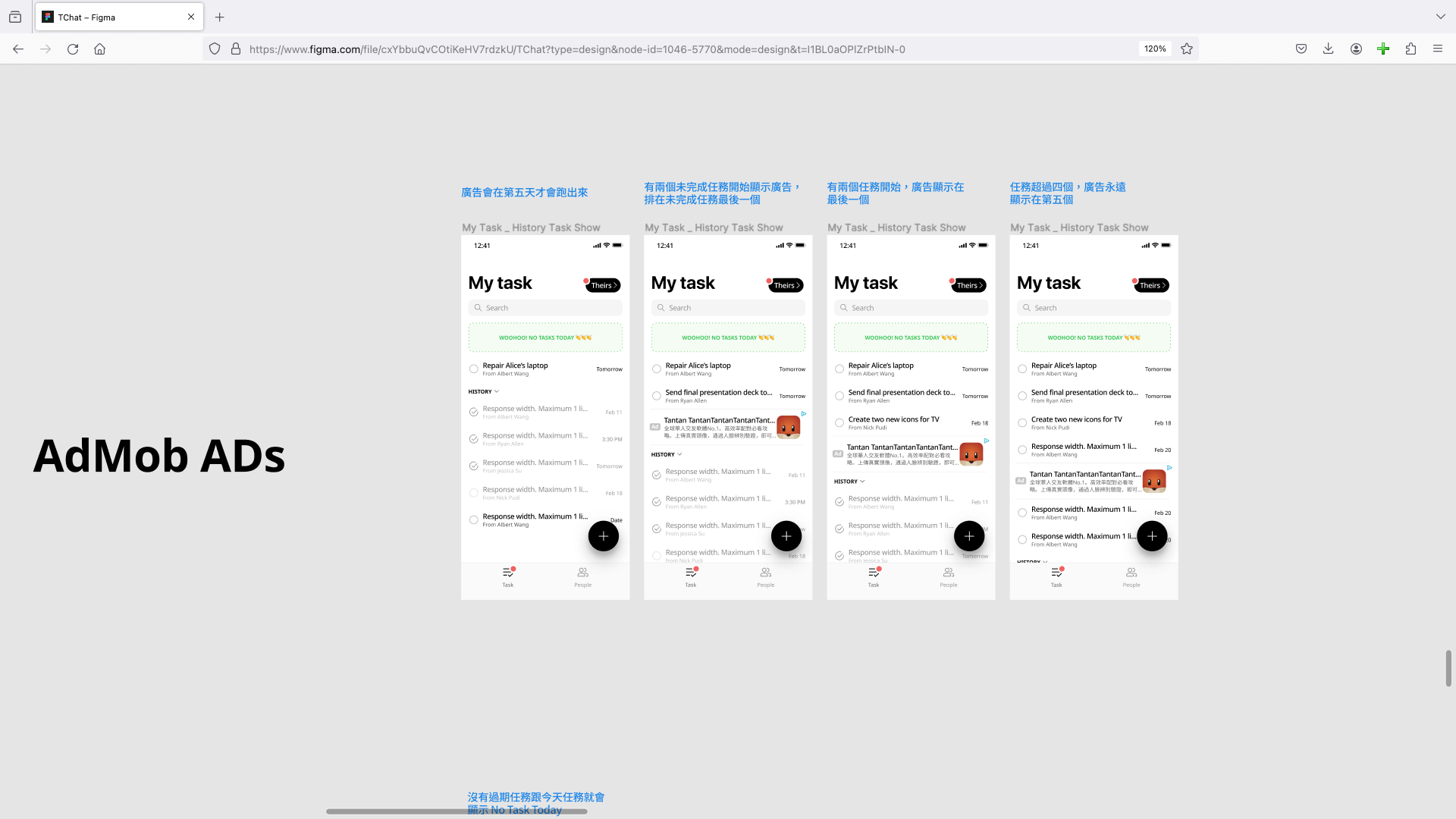
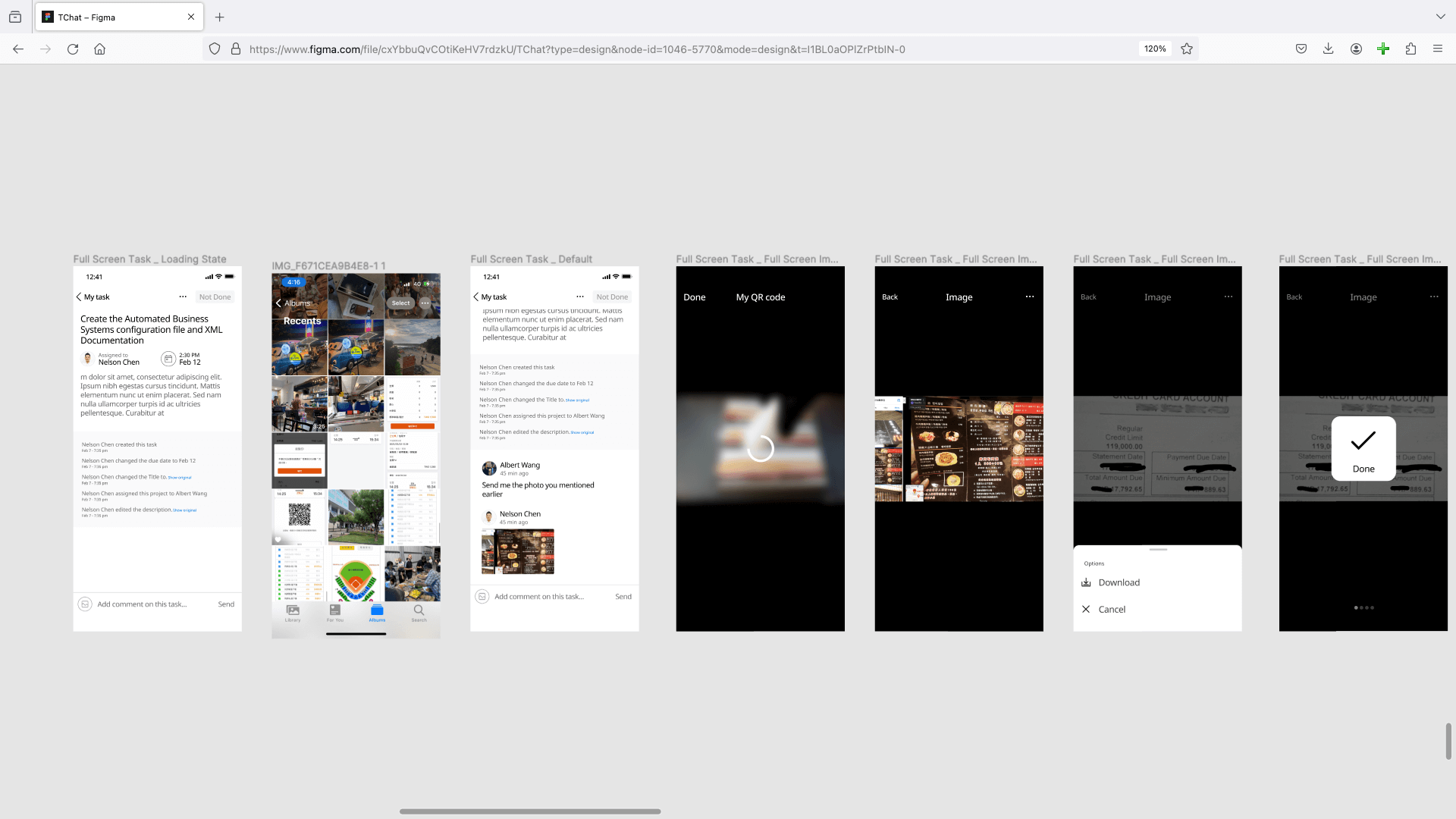
Supports multi-level task categorization, priority settings, deadline reminders, and subtask breakdown, keeping complex projects organized. Easily manage daily to-dos with intuitive drag-and-drop and quick editing features.
Clean and intuitive task management interface
Calendar View
View tasks from monthly, weekly, and daily perspectives. Drag and drop to adjust task timing—intuitive and convenient. Clearly displays daily workload distribution to help users better plan their time.
Intuitive calendar-based task management
Flexible tag categorization
Real-time task reminders
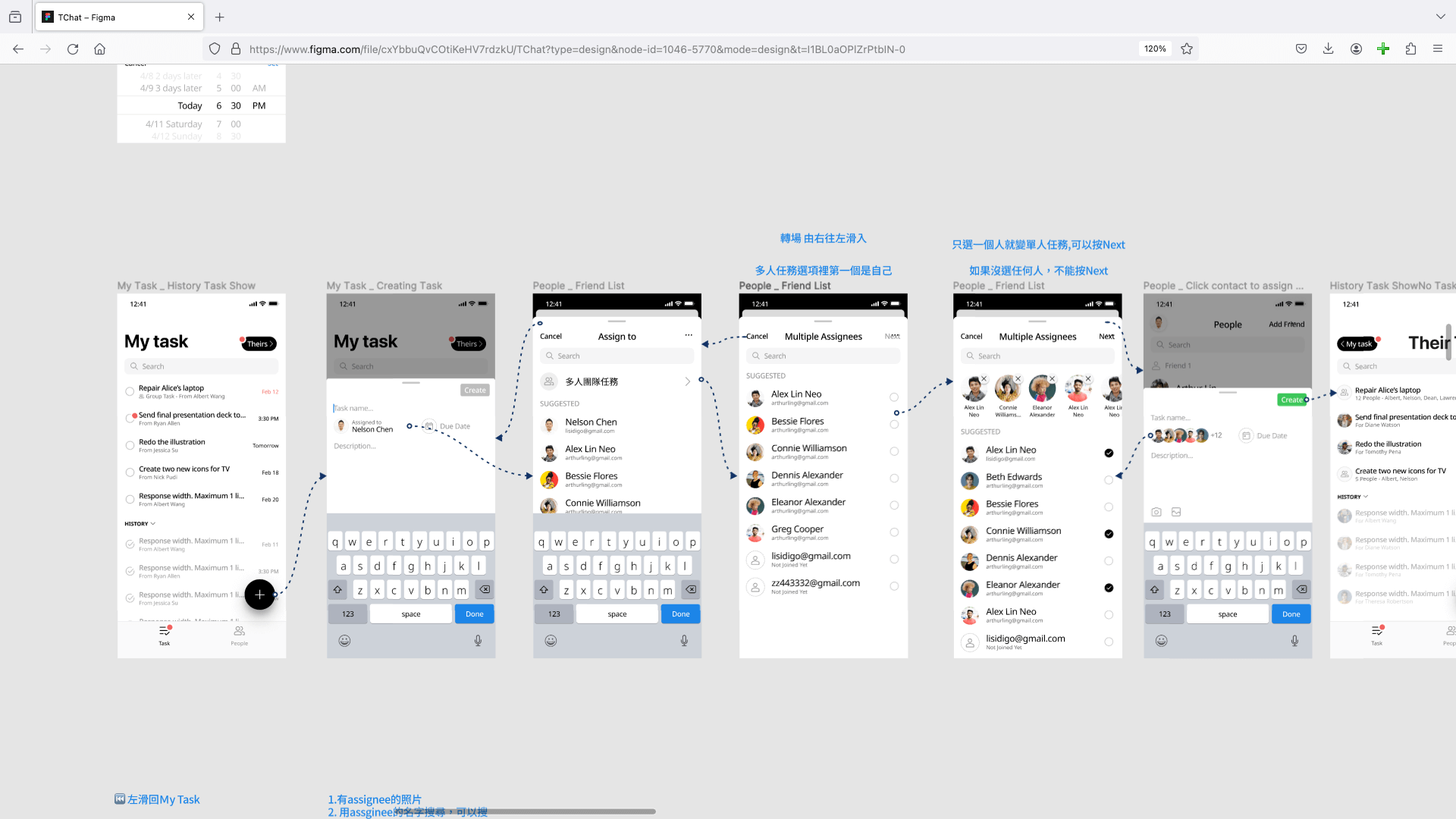
Powerful search & filtering
Cloud Sync & Multi-Device Support
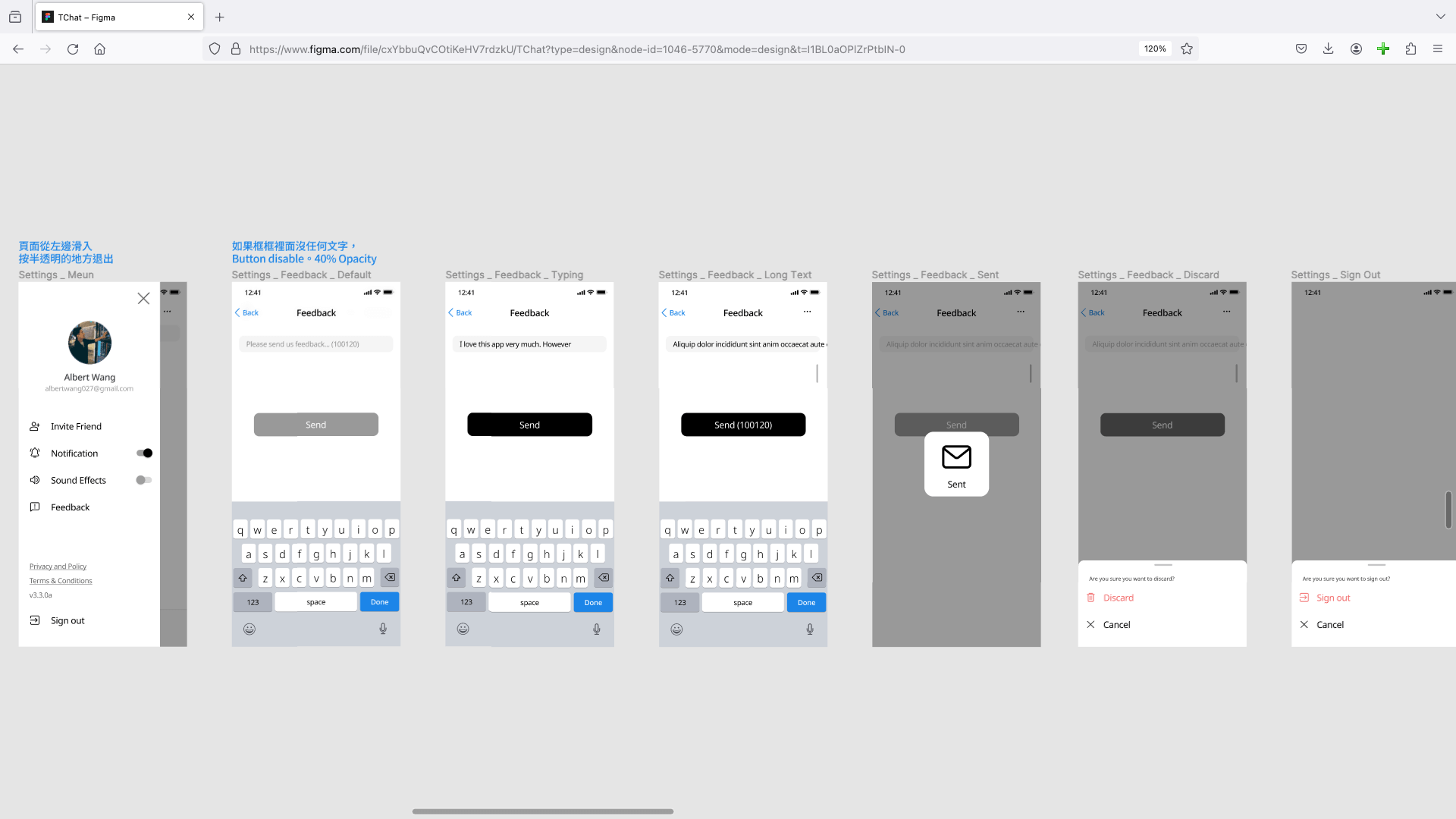
Seamless cross-device synchronization via iCloud CloudKit across iPhone, iPad, and Mac—never lose your data. Full support for system dark mode provides a comfortable nighttime reading experience to protect your vision.
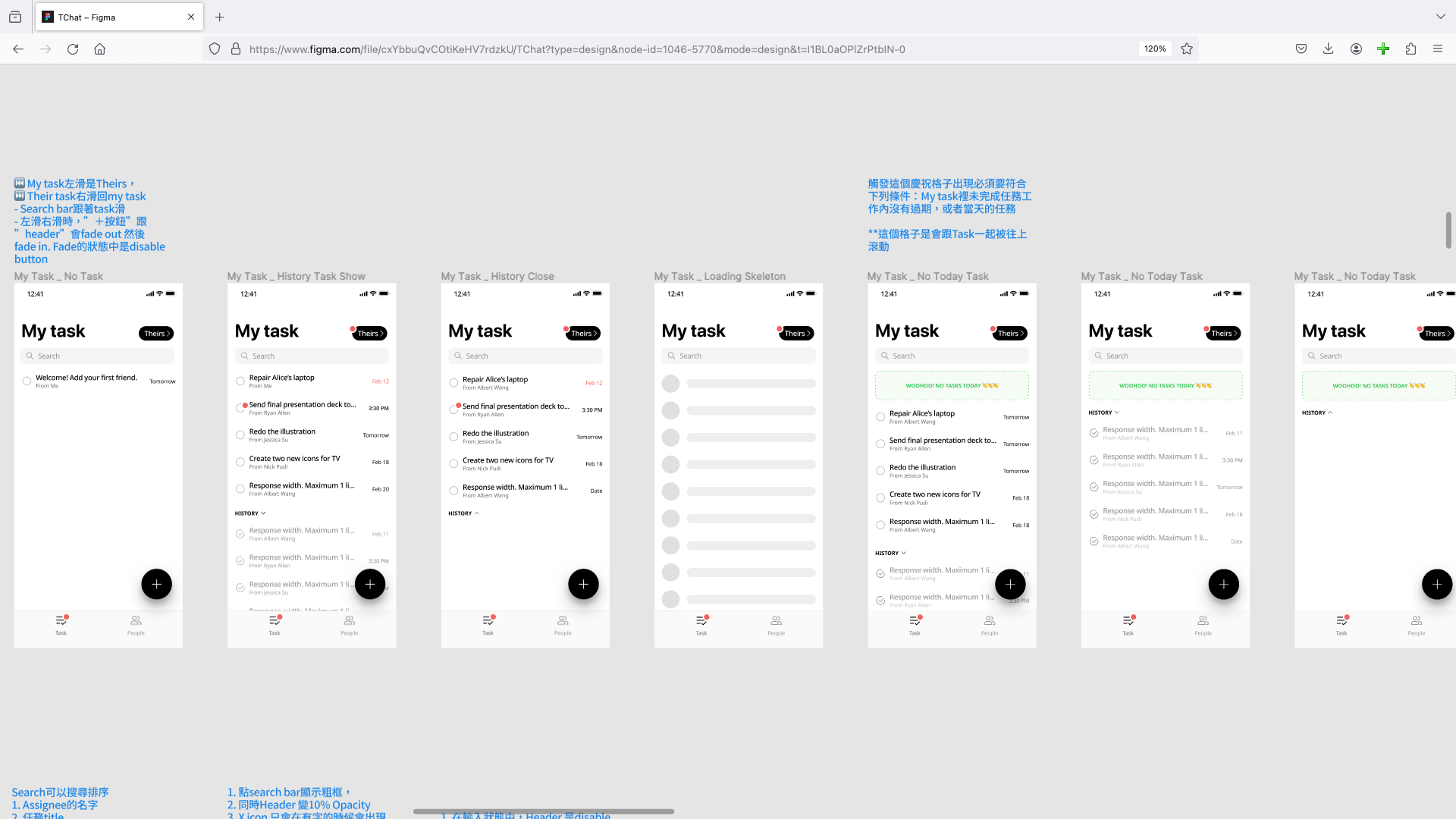
Dark mode support for eye comfort
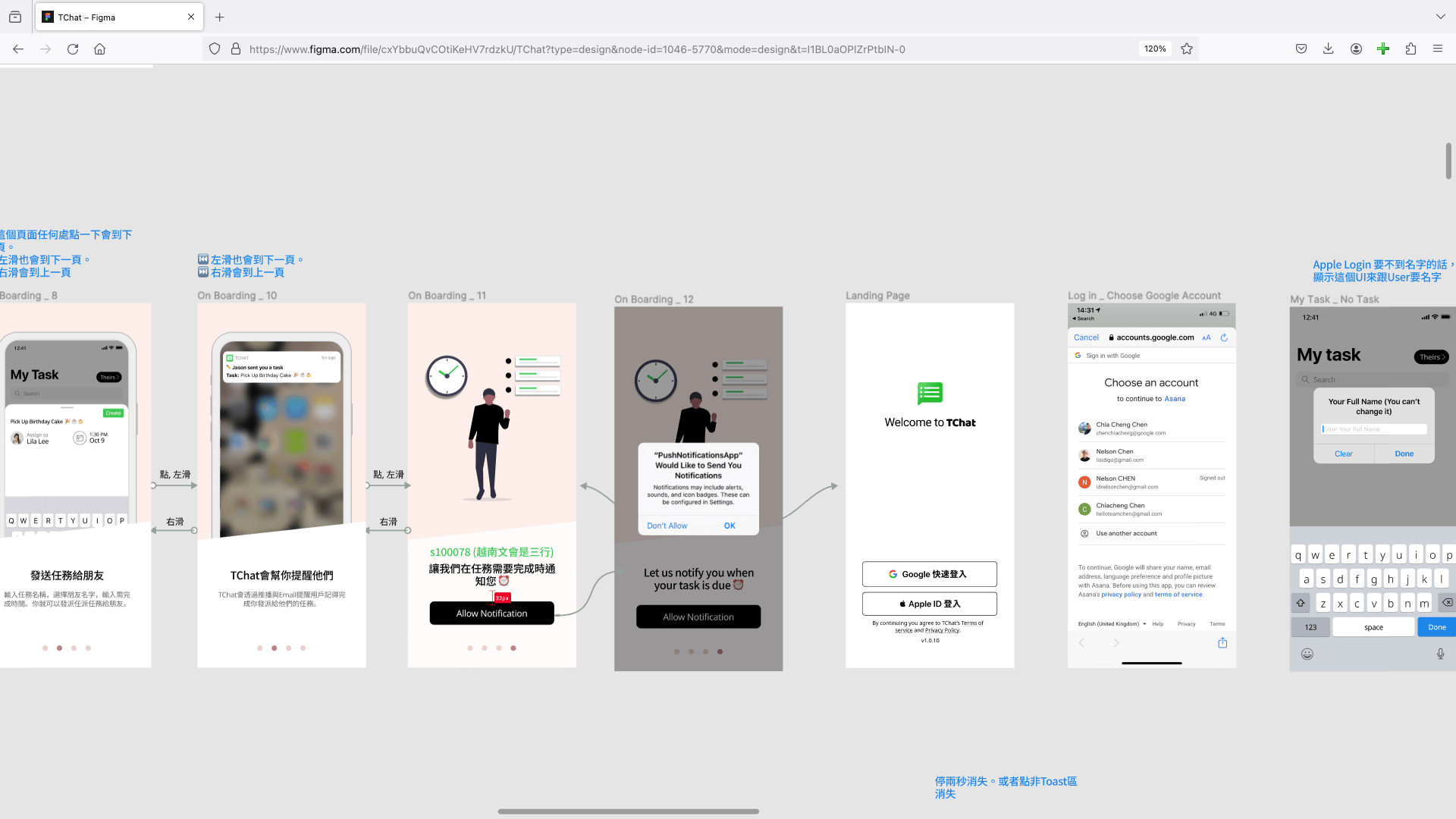
Task completion & productivity analysis
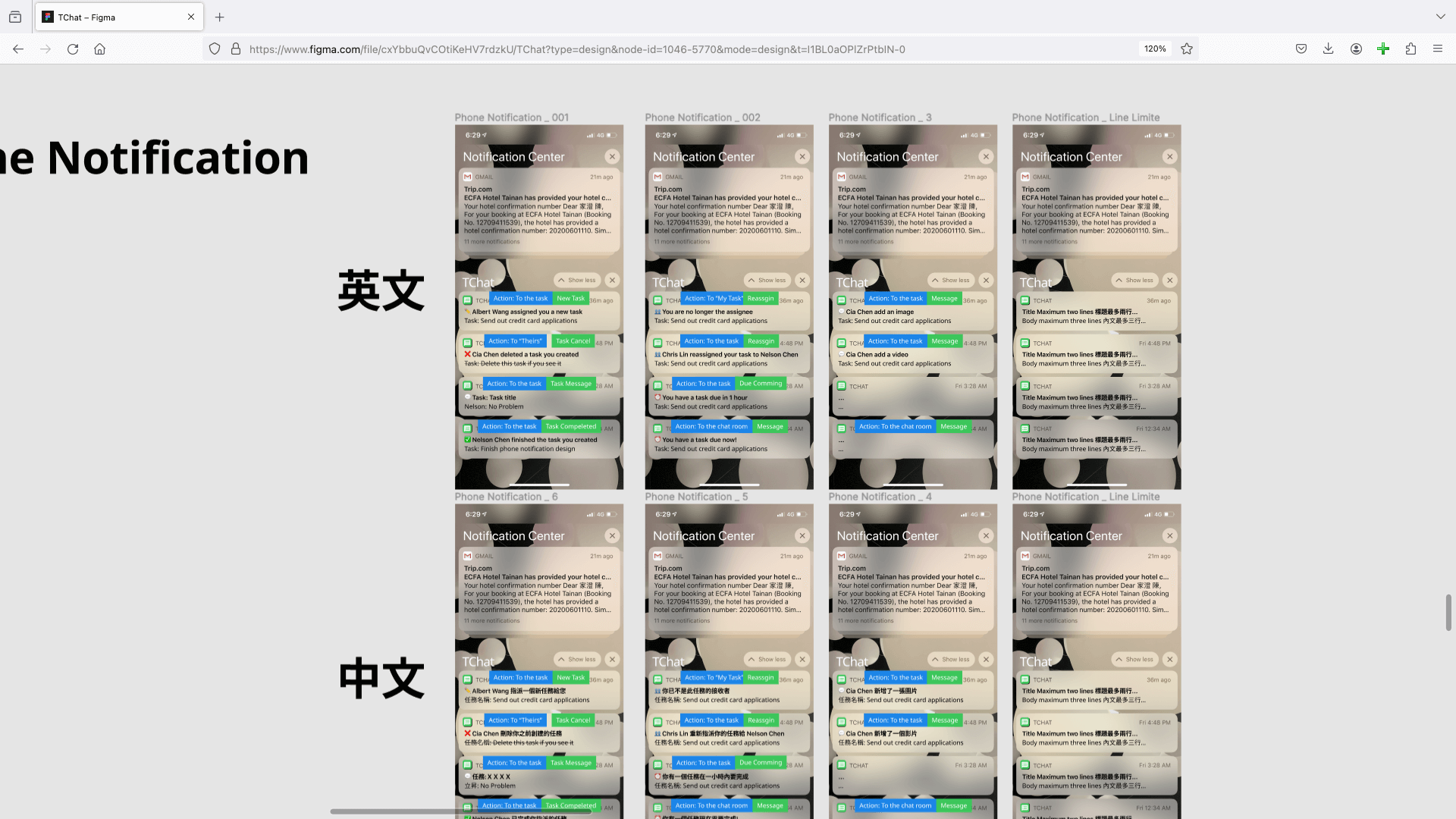
Personalized settings & preferences
Design Philosophy
TChat's design follows Apple's Human Interface Guidelines, emphasizing simplicity, intuitiveness, and consistency. The interface adopts card-based design with rich micro-animations, providing clear visual hierarchy and operational feedback.
The color system uses soft color schemes to reduce visual fatigue, while quickly identifying task types through color tags. All interactive elements comply with iOS touch size specifications, ensuring a great user experience.
In information architecture, we adopt the "3-tap principle," ensuring users can complete any operation within 3 taps, reducing the learning curve and improving efficiency.
Project Achievements
- Published on App Store with 4.8-star rating
- Active users exceeded 10,000
- Average daily task creation over 50,000
- User retention rate of 75% (30 days)
- Received numerous 5-star reviews and positive feedback
- Successfully integrated Siri Shortcuts for enhanced voice operation
Technical Implementation
Development Architecture
- SwiftUI - Declarative UI framework for smooth interface and animations
- MVVM Architecture - Clean code structure ensuring maintainability and scalability
- Core Data - Local data persistence with efficient data access and queries
- CloudKit - iCloud synchronization for seamless cross-device data sync
- Combine - Reactive programming for handling async events and data flows
Core Technical Highlights
- Native Development - 100% Swift native code, maximizing iOS platform performance
- Dark Mode - Full support for system dark mode for comfortable nighttime reading
- Widget Support - iOS 14+ home screen widgets for quick daily task viewing
- Localization - Support for Traditional Chinese, Simplified Chinese, English, and more
- Accessibility - Full VoiceOver support for visually impaired users
- Performance Optimization - Lazy loading, caching, and optimized memory management
Data Synchronization Mechanism
Implements cross-device data sync using CloudKit. When users add tasks on iPhone, data automatically syncs to iPad and Mac. Conflict resolution ensures data consistency during simultaneous editing across multiple devices. Offline operations are saved locally and automatically synced to the cloud when network is restored.
Challenges & Solutions
Challenge 1: Data Sync Conflicts
When users edit the same task on multiple devices simultaneously, data conflicts may occur.
Solution: Implemented timestamp-based conflict resolution strategy, prioritizing the last modification time, and providing conflict notifications for users to manually decide which version to keep.
Challenge 2: Performance Optimization
When task count exceeds thousands, list scrolling may experience lag.
Solution: Adopted LazyVStack for list virtualization, rendering only visible task items, and implemented pagination to reduce initial load time.
Challenge 3: Offline Experience
Ensuring the app functions properly without network connection.
Solution: Core Data as local database, with all operations prioritizing local writes, and sync queue mechanism automatically uploading to cloud when network is restored.
Technologies Used
Mobile Development
- Swift
- SwiftUI
- iOS
- UIKit
Data Management
- Core Data
- CloudKit
- Combine
- UserDefaults
Architecture Patterns
- MVVM
- Coordinator Pattern
- Repository Pattern
Third-Party Libraries
- Carthage - Dependency management tool
- Fastlane - Automated deployment and testing
- Firebase - Analytics and notification services